
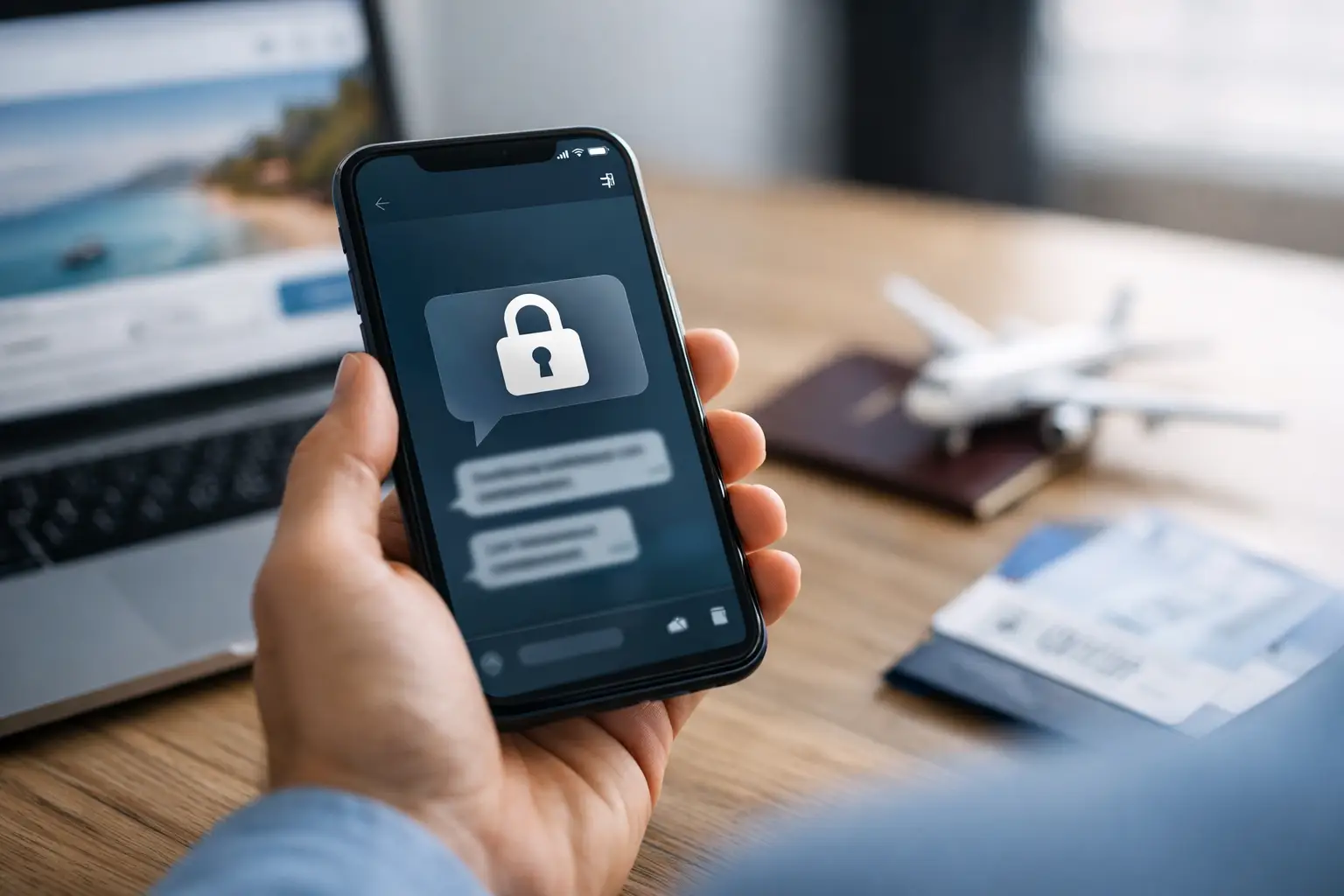
A private booking should stay private. That starts long before any appointment details are confirmed. Knowing how to protect message privacy helps you control what is visible, what is saved, and what can be connected back to you later. A few deliberate choices can keep a simple conversation from becoming an unnecessary record on a shared phone, work device, cloud backup, or lock-screen preview.
Discretion is not about acting nervous or overcomplicating a booking. It is about using the right channel, sharing only what is necessary, and keeping your own device under control. Whether you are arranging plans from a hotel in Kuala Lumpur, a private residence in Bangsar, or a business trip near Mont Kiara, the same rule applies: private information should move only when it is needed.
How to Protect Message Privacy From the First Chat
Start with a messaging account that is separate from your work and family communications. A dedicated number or account reduces the chance that a booking message appears beside office threads, school notifications, or personal group chats. It also makes it easier to manage your privacy settings without changing the way you use your primary account every day.
Before sending a message, check what your profile reveals. Your display name, profile photo, bio, last-seen status, and online status can give away more than you intended. Use a neutral name and image if you prefer not to be recognized. Turn off public visibility for your activity status where the app allows it. A polished profile is not required for a private conversation. Minimal and professional is often better.
Use an app with end-to-end encrypted chats when possible, but do not treat encryption as a complete privacy plan. Encryption can protect a message while it travels between devices. It cannot stop someone from viewing an unlocked phone, taking a screenshot, forwarding a message, or restoring a chat from an insecure backup. Your choices on both sides of the screen still matter.
Keep the opening message simple. Ask about availability, general location coverage, and the booking process before sharing personal details. There is no need to send your full name, employer, room number, itinerary, or home address in the first exchange. A legitimate private arrangement can be discussed in stages.
Share Details in Stages, Not All at Once
The fastest way to lose control of private information is to send everything in one long message. Treat your details like access cards. Share only the card required for the next step.
For example, a hotel name may be enough to confirm whether an outcall is possible in your area. Your room number can wait until timing, identity, and arrival procedure are confirmed. If you are meeting at a private location, provide the address only when the arrangement is settled and you are comfortable proceeding.
Avoid sending documents that expose more than the other person needs. Hotel booking confirmations, flight itineraries, driver licenses, corporate badges, and payment screenshots can contain full names, booking references, account fragments, addresses, or QR codes. Crop images carefully if an image is genuinely necessary. Better yet, type only the specific information required.
Photos deserve the same caution. A casual selfie may reveal a hotel room, office badge, family photo, vehicle plate, or location metadata. If privacy is your priority, do not send identifying images simply to keep a conversation moving. Clear communication is more useful than oversharing.
Be careful with live location sharing
Live location is convenient, especially when coordinating at a large hotel or residence. It also gives another person a real-time view of where you are and sometimes where you have been. Use it only for a short, practical purpose and stop sharing as soon as the meetup is coordinated.
A static meeting point, such as a lobby entrance or a nearby landmark, is often enough at first. For a private outcall, send the exact unit or room information only after the booking is confirmed. Convenience matters, but precision can wait until it is appropriate.
Lock Down the Device in Your Hand
Message privacy depends heavily on your phone settings. Even the most discreet conversation is exposed if your screen lights up with a detailed preview while you are at dinner, in a meeting, or handing your phone to someone else.
Review these settings before you start a private chat:
- Disable message previews on the lock screen so names and message text do not appear.
- Use a strong passcode and biometric lock, not a simple four-digit code someone close to you may know.
- Turn off chat backups, or make sure backups are encrypted with a separate password you control.
- Set app-level locks for private messaging apps when the feature is available.
- Review connected devices and log out of old tablets, laptops, web sessions, and shared computers.
Do not use a work phone, company laptop, or managed Wi-Fi network for personal arrangements. Corporate devices can have monitoring software, automatic backups, shared administrators, and security logs outside your control. A private conversation should not pass through equipment that belongs to your employer.
The same caution applies to shared tablets and home computers. Browser sessions can remain logged in, autofill can save numbers or names, and notification banners can appear at the wrong moment. If you need to check messages from a browser, use a private device, log out fully afterward, and remove any connected session from the messaging app.
Keep Payments and Personal Identity Separate
Payment privacy is not about hiding from legitimate financial responsibilities. It is about preventing unnecessary exposure of personal information during a private arrangement. Do not send full card images, banking credentials, account passwords, one-time verification codes, or screenshots that show balances and transaction histories.
If someone asks for a code sent by your bank or asks you to install unfamiliar software, stop immediately. Those are not normal booking requirements. A professional conversation should never require access to your financial accounts, device controls, or identity documents beyond what is genuinely necessary.
Be cautious with payment references as well. A transfer note can become a permanent record, visible in account history or shared statements. Think before you type. Keep descriptions neutral and avoid including personal details, workplace references, hotel room numbers, or anything that identifies another person.
Know the Difference Between Discreet and Suspicious
Privacy should feel organized, not pressured. A person who respects discretion will usually communicate clearly, confirm practical details, and avoid demanding unnecessary personal information. They should not rush you into sharing your address, push you to move to an unknown app, or insist that you prove yourself with sensitive documents.
Watch for common warning signs: requests for deposits through unusual channels, pressure to act immediately without basic confirmation, repeated changes to contact details, threats to expose messages, or demands for additional payments after an agreement. Save relevant evidence if something feels wrong, then end the conversation. Do not argue, send more details, or try to negotiate with anyone using pressure.
There is a trade-off here. The more anonymous both sides are, the harder it can be to establish trust. The answer is not to reveal everything. It is to confirm practical information gradually, use consistent communication, and walk away when the process becomes unclear or aggressive. Privacy and good judgment work together.
Clean Up Carefully After the Conversation
Deleting a chat can reduce casual exposure, but it does not erase every copy. The other person may still have messages, screenshots, backups, or notifications. Think of deletion as housekeeping, not a guarantee.
After a private conversation, remove any unnecessary photos, files, and location shares from your device. Check your cloud gallery and downloads folder, where attachments may be stored automatically. Review archived chats and pinned conversations too. If you used a temporary account, secure it rather than abandoning it with weak settings or an exposed recovery email.
Do not let privacy become an afterthought once plans are complete. The strongest approach is calm and consistent: use a private channel, control your device, share details only when needed, and leave any conversation that asks for more access than the situation requires. That is how discreet communication stays genuinely private.









 Escort Services – 24/7 Booking in KL & PJ