
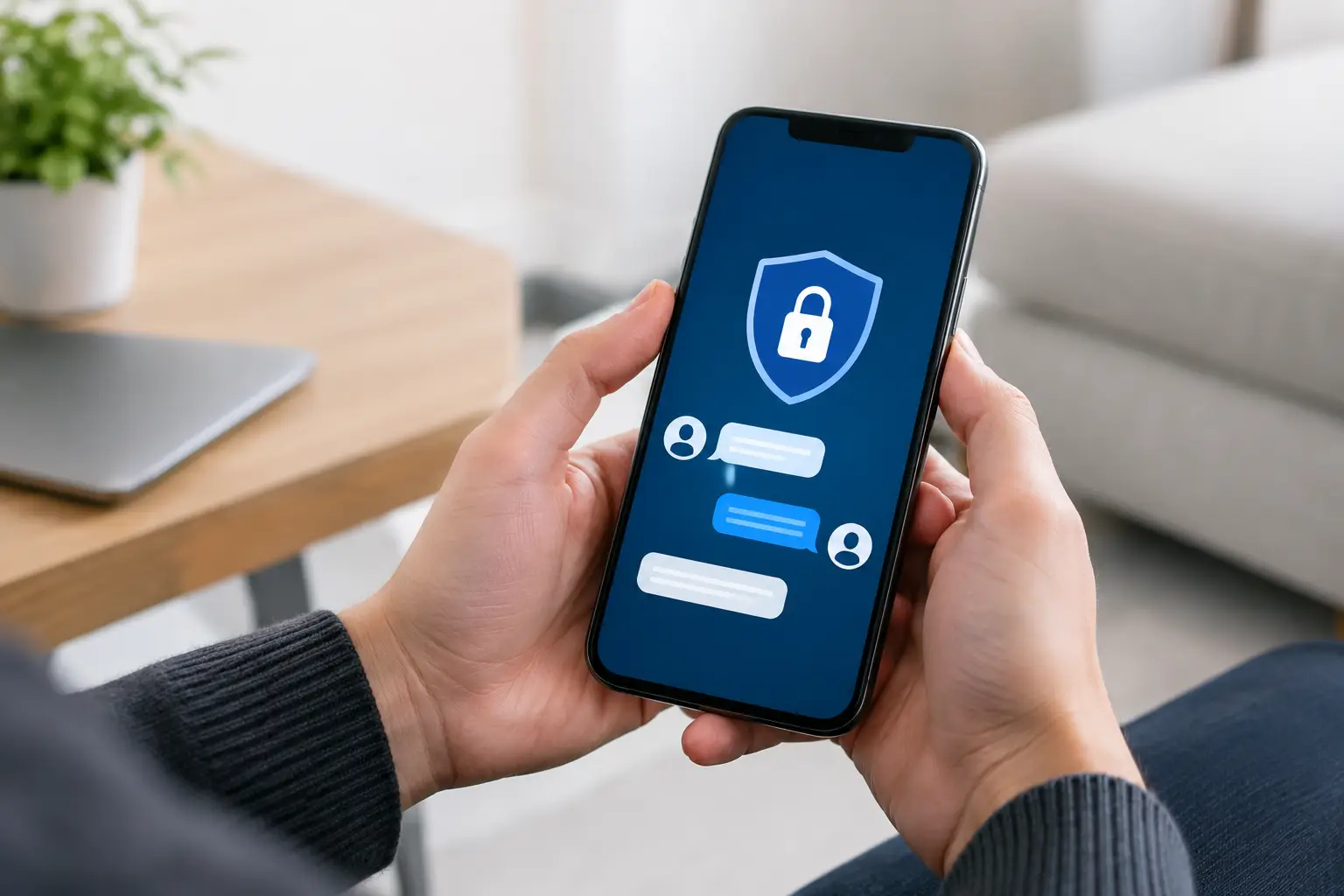
A private message can reveal more than the words on the screen. Message previews, cloud backups, shared devices, and an exposed contact list can all create problems long after a chat ends. This secure messaging app review looks past the usual lock-icon marketing and focuses on the tools that actually matter when discretion, speed, and personal control are non-negotiable.
Secure Messaging App Review: What Actually Matters
A secure messaging app is not automatically private just because it uses encryption. End-to-end encryption is the starting point: it means the service provider should not be able to read the content of a message or call while it moves between two users. That matters, but it is only one part of the picture.
The strongest private-chat setup also limits what appears on a lock screen, protects the app with a passcode or biometric lock, controls backups, and makes it easy to confirm that the person on the other end is genuine. Privacy can fail at the phone level just as easily as it can fail inside the app.
There is also a practical trade-off. The most privacy-focused app is useless if the other person refuses to install it or never checks it. For many people, the right choice is a two-app approach: one familiar channel for quick coordination and one privacy-first channel for conversations that should stay tightly contained.
Signal: Best for Privacy-First Conversations
Signal remains the leading choice for people who want strong privacy defaults without needing to become security experts. Messages, voice calls, video calls, group chats, and attachments are end-to-end encrypted by default. The app collects far less account information than most mainstream alternatives, and its disappearing-message controls are straightforward.
A major advantage is that Signal puts security features in front of the user instead of hiding them in a settings maze. You can use screen lock, registration protection, safety-number verification, and disappearing messages without much effort. Usernames can also help reduce the need to share a phone number directly with a new contact.
The compromise is convenience. Signal is not the app everyone already has installed, especially for fast arrangements or late-night conversations. It also relies on a phone number for registration, even if that number does not need to be visible to every contact. For genuinely confidential one-to-one communication, though, it is the strongest all-around recommendation.
WhatsApp: Best for Fast, Familiar Coordination
WhatsApp is often the most practical option because it is already on nearly every traveler, business guest, and local contact’s phone. Its personal chats and calls are end-to-end encrypted by default, and the app is quick for sending a location, confirming timing, or handling a short conversation without introducing another platform.
Its weakness is not the core encryption. It is the broader ecosystem. WhatsApp is tied to a phone number, owned by Meta, and connected to an account environment that can expose more metadata than a privacy-focused user may prefer. Metadata can include details such as who contacted whom, when a conversation happened, and what device was used, even where message content is protected.
Backups require special attention. A cloud backup can create a weaker point if it is not protected correctly. WhatsApp offers end-to-end encrypted backup options, but users need to turn them on and protect the backup password or key. For fast, routine coordination, WhatsApp is a strong choice. For a conversation that demands the smallest possible footprint, Signal has the edge.
Telegram: Powerful, but Easy to Misunderstand
Telegram has a polished interface, quick media sharing, large groups, usernames, and broad multi-device access. Those features make it popular, particularly with people who prefer not to give out a personal phone number immediately. But its privacy reputation is often overstated.
Regular Telegram chats are cloud chats. They are encrypted in transit, but they are not end-to-end encrypted by default. End-to-end encryption is available only through Secret Chats, which must be started intentionally and work on a single device rather than syncing across every logged-in device.
That distinction matters. If privacy is the reason for choosing Telegram, use Secret Chats for sensitive one-to-one messages and verify that the conversation is actually in that mode. Standard Telegram chats are convenient for general communication, media, and group updates, but they should not be treated as the most private option by default.
iMessage: Excellent Inside the Apple Ecosystem
For two people using current Apple devices, iMessage offers end-to-end encryption, good call quality through FaceTime, and a familiar experience that needs no separate download. It is a sensible choice for private chats between established Apple users who already protect their phones with a strong passcode and up-to-date software.
The limitation is obvious: iMessage works best only when both people stay within Apple’s ecosystem. If the conversation falls back to ordinary SMS or MMS, the protection level changes dramatically. A green message bubble is a signal to pause and confirm what channel is being used before sharing anything personal.
Apple account security also matters. A weak Apple ID password, an unprotected device, or poorly managed backups can undermine the privacy of an otherwise secure conversation. For Apple-to-Apple communication, iMessage is highly capable. For flexible conversations across different devices and platforms, Signal is easier to recommend.
Choosing the Right App for the Situation
The right secure messenger depends on what you need at that moment. Signal is the premium choice for privacy-first conversations, verification, and messages that should disappear after they have been read. WhatsApp is the practical workhorse when instant response and universal familiarity are the priority. Telegram is useful for usernames, media, and multi-device access, but only Secret Chats should be considered for sensitive one-to-one communication. iMessage is excellent when both sides use Apple devices and understand the limits of SMS fallback.
No app can guarantee discretion if someone screenshots a conversation, photographs another person’s phone, forwards details, or leaves an unlocked device on a hotel table. Disappearing messages reduce retention, but they do not erase what another person has already seen or saved. Think of them as a useful layer, not a magic shield.
Privacy Checks Before You Send Anything Personal
Before using any messaging app for a private conversation, take a minute to check the basics. These small actions make a bigger difference than switching between apps every week.
- Turn on an app-specific passcode, Face ID, fingerprint lock, or screen lock wherever available.
- Hide message previews on the lock screen so names and message content do not appear in public.
- Use disappearing messages for sensitive conversations, then confirm the timer applies to the correct chat.
- Enable two-factor authentication or registration protection to make account takeovers harder.
- Review cloud backup settings and avoid storing sensitive chats in an unprotected backup.
- Verify a contact through a trusted method before sharing private details, photos, documents, or a live location.
A separate phone number can add another layer of privacy, but it is not a substitute for good settings. The same applies to private browsing, a new profile image, or a different username. Real discretion comes from a consistent approach: protect the device, protect the account, protect the chat, and share only what the situation genuinely requires.
The Best Private Chat Is the One You Control
For most privacy-conscious users, Signal is the clear winner when confidentiality is the priority. WhatsApp earns its place through speed and availability, while Telegram and iMessage work well when their specific limits are understood. The premium standard is not choosing the trendiest app. It is choosing the right channel, setting it up properly, and keeping control of your personal information from the first message onward.
Before your next private conversation, check your lock-screen previews and backup settings first. That simple habit protects more than a switch to any new app ever will.










 Escort Services – 24/7 Booking in KL & PJ