
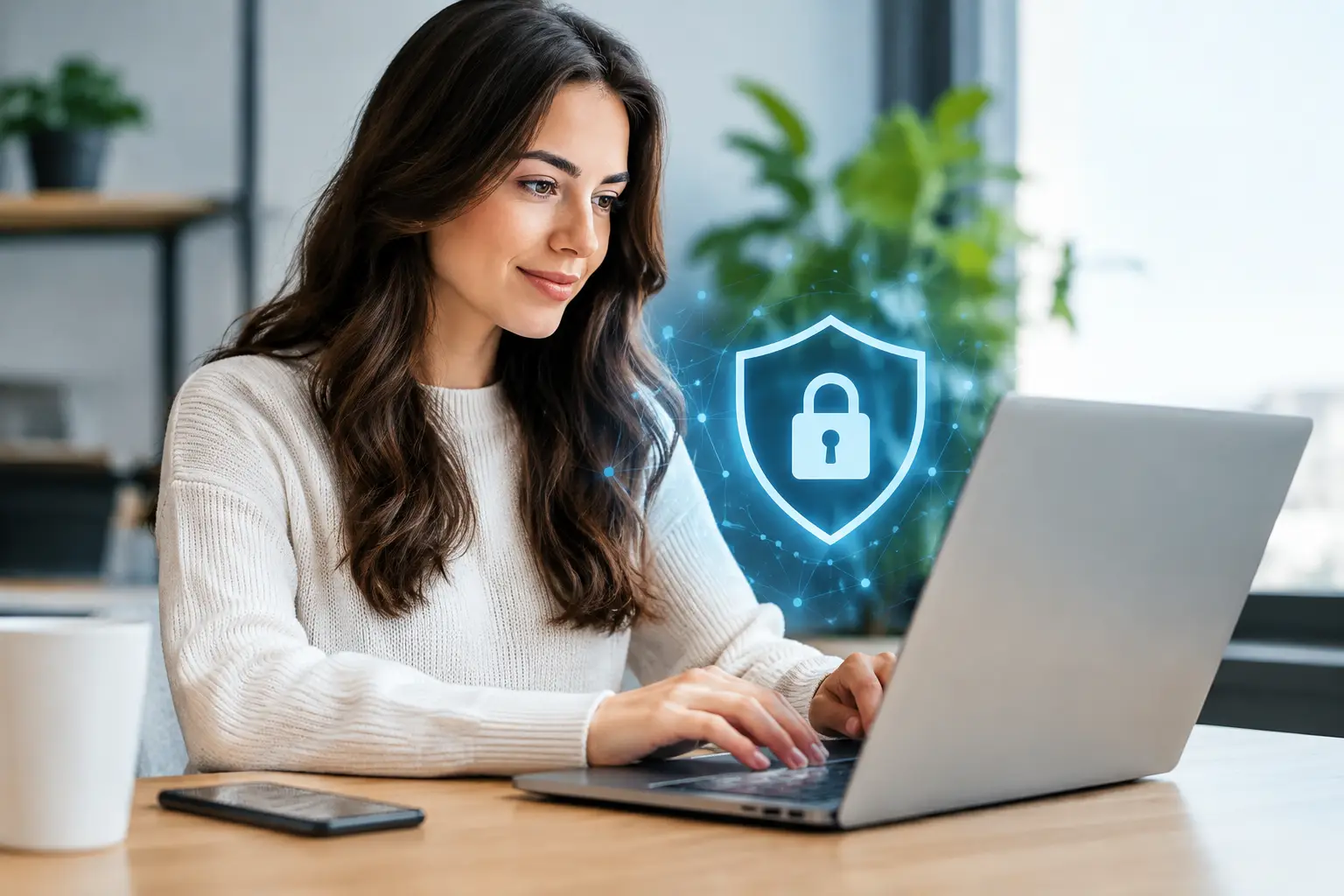
A private booking should stay private long after the appointment ends. Yet a casual screenshot, a hotel Wi-Fi login, an exposed notification, or a rushed payment can leave more information behind than most clients expect. This digital footprint protection guide is for adults who value discretion when arranging lawful, consensual private companionship in Kuala Lumpur and nearby areas.
Privacy is not about hiding harmful activity or avoiding legal obligations. It is about making informed choices, limiting unnecessary exposure, and recognizing where personal details can travel once they leave your phone. Premium discretion starts before the first message, not after it.
Why Digital Footprint Protection Matters for Private Bookings
Booking through a phone feels temporary. In reality, messages, cloud backups, payment records, browser history, location services, contact syncing, and notifications can create a trail across several devices and platforms. The risk is rarely one dramatic breach. More often, it is a collection of small oversights that reveals more than intended.
Business travelers face a different privacy situation from local clients. A traveler may be concerned about company-managed devices, hotel networks, and shared travel itineraries. A local client may need to think about family devices, home Wi-Fi, shared mobile plans, or a partner who can see lock-screen alerts. There is no single setup that fits everyone.
The objective is simple: share only the information needed to confirm a legitimate booking, and protect the device, account, and location details around that conversation.
Start With the Right Device and Account Setup
Your phone is usually the center of a private booking. Treat it accordingly. A current operating system, a strong screen lock, and biometric protection make a meaningful difference if the device is lost, borrowed, or left unattended in a hotel room.
Avoid using a work-issued phone, work laptop, or company-managed messaging account. Many employers monitor, log, back up, or retain data on business equipment. Even where no one is actively reviewing activity, device-management software can create records outside your control. A personal device is the better choice for personal arrangements.
Use an email address that is not tied to your public social profiles, work identity, or full legal name where practical. This does not mean providing false information when a legitimate provider must verify something. It means avoiding unnecessary data sharing. A booking service generally does not need access to your employer, social accounts, photo library, or complete contact list.
Secure your messaging apps
WhatsApp and Telegram are convenient for fast confirmations, but convenience needs boundaries. Turn on app-level passcodes where available, enable two-step verification, and review active sessions on desktop or web versions. If you once logged in on a shared computer, hotel business center, or friend’s laptop, sign out immediately.
Disable automatic media downloads if you do not want images saved directly into your camera roll or cloud photo backup. Also review notification previews. A lock-screen alert that displays a name, message content, or image can defeat every other privacy step.
For especially private conversations, use disappearing-message settings when both sides agree. Remember that disappearing messages reduce routine retention, but they do not prevent screenshots, screen recordings, or manual copying. Discretion works best when both parties respect it.
Control What You Share Before Confirming
A professional booking conversation should be clear and efficient. You may need to provide a preferred time, general area, hotel name, and number of guests where relevant. You should not need to send a passport scan, corporate itinerary, social-media profile, banking login, or intimate personal material.
Keep the conversation focused on practical details: availability, location, duration, expectations, rates, and confirmation procedures. Oversharing can create risk while adding no value to the arrangement. The same applies to casual photos that reveal home interiors, vehicle plates, children, work badges, or travel documents in the background.
Be cautious when someone pressures you to move the conversation repeatedly between platforms, demands urgent deposits through unusual channels, or asks for more identifying data than the booking requires. Premium service should feel organized, not chaotic. Clear communication and transparent expectations are stronger trust signals than excessive demands for personal information.
For clients looking for verified private companionship, Malay Escort Amoi emphasizes direct communication and discretion, but clients should still use sound judgment with every message, profile, and payment request. Verification is a shared responsibility, not a reason to abandon basic privacy habits.
Reduce Location and Hotel Exposure
Outcall arrangements require location details, so total anonymity is not realistic. The goal is to disclose the right location at the right stage, rather than sending a full itinerary early in the conversation.
When meeting at a hotel, share the necessary hotel and room information only after a booking is properly confirmed. Do not post live location screenshots that reveal your wider movements, saved places, or recent addresses. Check whether photo-sharing apps attach location data automatically before sending any image.
Hotel Wi-Fi is another overlooked issue. Public and guest networks can be convenient, but they are not ideal for sensitive communication. Cellular data is often a cleaner option for private messages. If you must use hotel Wi-Fi, avoid signing into sensitive accounts, and do not save passwords on shared or unfamiliar devices.
At a private residence, think beyond the booking itself. Smart displays, voice assistants, security cameras, and shared tablets may record, display, or sync information unexpectedly. Turn off unnecessary smart-device access and avoid discussing personal details near active voice assistants.
Payment Privacy Without Cutting Corners
Payment methods always involve trade-offs. Card payments offer familiar consumer protections but can create clear statements. Bank transfers can be traceable and may show descriptive details. Cash offers the most day-to-day privacy, but it requires careful handling and clear agreement in advance.
The best choice depends on the provider’s legitimate policies, local laws, and what level of documentation you are comfortable with. Do not use someone else’s card, misrepresent transactions, or attempt to bypass financial safeguards. That creates more risk, not less.
Before making any payment, confirm the exact amount, the purpose of the payment, and the cancellation or rescheduling terms. Be especially careful with requests that involve gift cards, cryptocurrency sent under pressure, unusual overseas accounts, or repeated last-minute fee changes. Those patterns can indicate a scam rather than a genuine private booking.
Keep only the records you reasonably need for your own financial tracking or dispute resolution. Then secure them. A banking alert visible on a shared screen can be as revealing as a message thread.
Watch for Social Engineering and Fake Profiles
Privacy protection is also scam protection. Fraudsters often rely on urgency, embarrassment, and the assumption that a client will not ask questions. They may copy photos, impersonate agencies, claim a companion is already waiting, or threaten to expose a conversation unless more money is sent.
Do not react emotionally to threats. Preserve relevant evidence, stop sending money, and use official reporting channels where appropriate. A genuine provider should not blackmail, demand access to your device, or pressure you into sending sensitive documents.
Look for consistency. Does the profile information match the conversation? Are rates, boundaries, availability, and location details communicated clearly? Is the person demanding an unreasonable amount of personal data? A polished gallery alone is not proof, but inconsistent details are a warning sign.
The Digital Footprint Protection Guide Checklist After Booking
Privacy does not end when the appointment is over. Take a few minutes to review what was saved automatically. Check your message media folder, cloud photo backups, browser tabs, ride-share history, saved locations, and notification log. Remove unnecessary information from your own device while keeping any records needed for legitimate payment or safety reasons.
Do not share a companion’s identity, photos, location, or private messages with friends, group chats, forums, or social media. Discretion is mutual. It protects you, the companion, and the integrity of the service.
If your circumstances change, update your security settings rather than assuming an old setup still works. A new phone, a new hotel, a changed relationship, or a shared family plan can all alter your exposure.
The most discreet clients are not the ones who panic after sending a message. They are the ones who make calm, deliberate decisions before the conversation begins, keep the booking professional, and leave every other part of their private life out of it.








 Escort Services – 24/7 Booking in KL & PJ